


SEO Tools for Excel
 There’s two ways of using/installing SeoTools:
Recommended Method
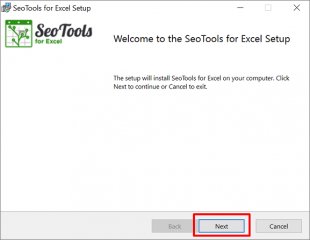
The Installer method allows users to access SeoTools every time Excel is launched.
The Installer automatically identifies the correct version to install (32 or 64 bit) . Just follow the instructions and you are on you way:
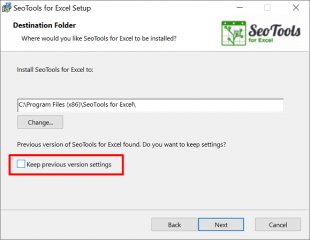
The Installer also handles upgrades from earlier versions. Use the Keep previous version settings option to begin where you left off:
 If you don't want SeoTools for Excel permanently installed, you can activate the plugin manually until Excel is closed. Make sure you have the latest version of Microsoft .Net Framework installed
- Extract the SeoTools_for_Excel32bit zip file if Excel 32-bit is installed on your computer. (or SeoTools_for_Excel64bit if Excel 64-bit is installed).
 If you don't know, use this guide to find out which version of Excel you have.
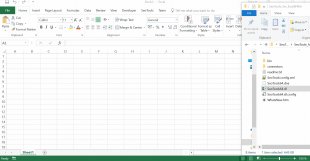
 - Go to the location with the extracted content and "Drag-and-drop" SeoTools[32/64].xll file on an open spreadsheet in Excel: (for older versions than SeoTools 6.0: "Drag-and-drop SeoTools[32/64].dll
Remember, you must perform these steps every time you open an Excel document where your want to use the SeoTools.
Source: seotoolsforexcel.com


